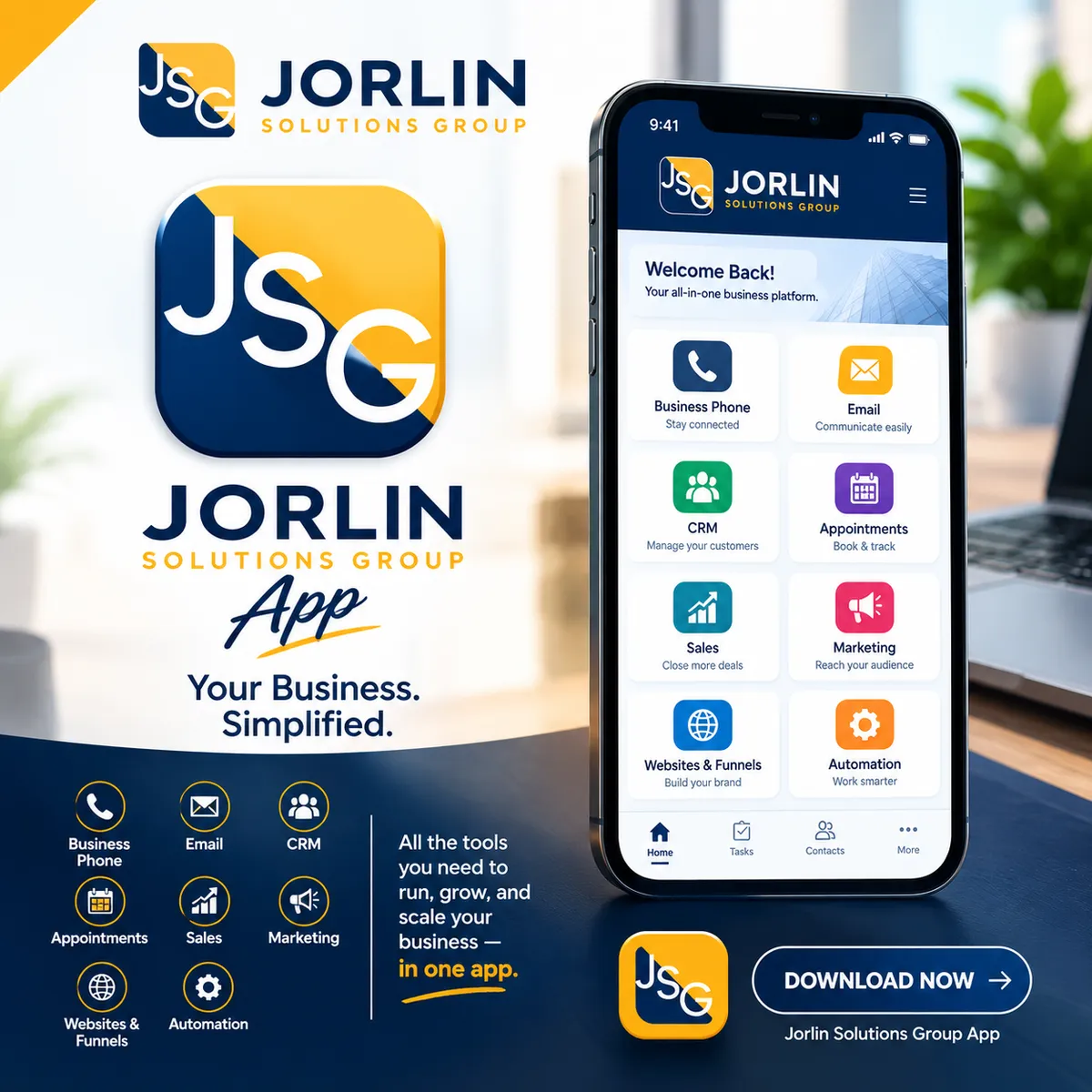
Welcome to Your Jorlin Solutions Group Business Platform
Your business tools, communication, customer management, and workflows all organized in one place.
We've created this onboarding guide to help you get familiar with your platform and understand how the different features work together. Start with the tutorial below, then schedule a live meeting if you have questions or need help navigating your account.
What You'll Learn
In this tutorial, you'll get an overview of the main areas of your platform, including:
Dashboard — Where to get an overview of your business activity
Contacts — Where your customer and lead information is stored
Conversations — Where you can manage customer communication
Opportunities — How to track leads through your sales process
Calendars — How appointments are booked and managed
Workflows — How your business follow-up and automation work
Reporting — How to review activity and understand your business numbers
Business Settings — Where important account settings are managed
Watch Your Platform Walkthrough
Take a few minutes to watch this overview before exploring your account. We'll walk through the main features and show you how the different pieces work together.
You don't need to memorize everything in one sitting. Use this video as a reference whenever you need a quick reminder of where something is located.
If you have questions about how something works, or you want help understanding how your system is set up, schedule a live meeting with us.
Ready to Explore Your Platform?
After watching the tutorial, log in and take a few minutes to explore your dashboard, contacts, conversations, and other features included in your account.
If you have questions about how something works, or you want help understanding how your system is set up, schedule a live meeting with us.
Suggested checklist:
☐ Log in to your platform
☐ Review your dashboard
☐ Locate your contacts
☐ Explore your conversations
☐ Review your calendar
☐ Look at your sales pipeline
☐ Review your reporting
☐ Write down any questions you have
Have Questions? Let's Walk Through Them Together.
Every business uses its platform differently. If you have questions about your account, need help finding a feature, or want to understand how a workflow or report works, we're here to help.
Schedule a live meeting with Jorlin Solutions Group, and we'll walk through your questions together.
Copyright 2022 © Jorlin Solutions Group